Atelier 02 · Paper first, on screen
Gallery Wall
A planner for a gallery wall: enter the wall and the furniture below it, add frames by size, arrange them by dragging, use the presets for a grid, a cloud or a line, and get every hook position in centimetres from the floor and the left edge.
Add a frame
Drag frames on the wall. Double click a frame to remove it. The dotted line is the 150 centimetre line.
Add frames to start, or press Cloud to see a sample wall.
Hook positions
 01
01
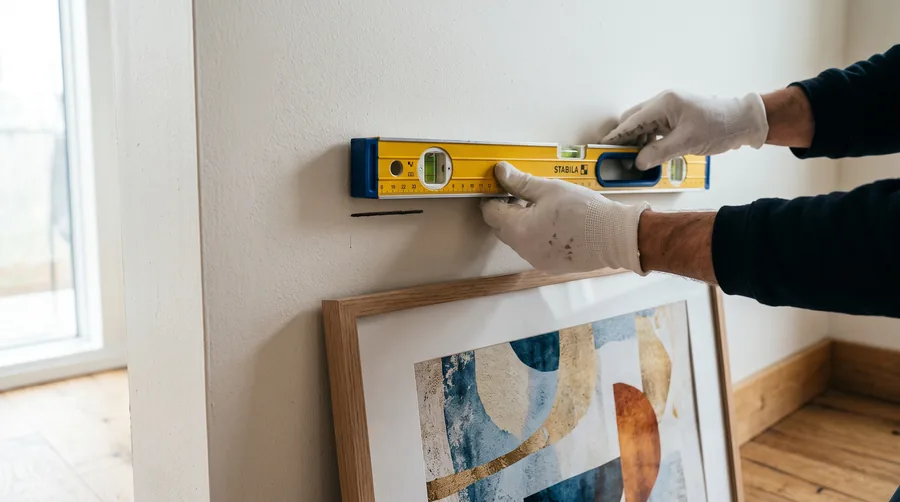
The 150 line
Hanging Height
Height of the work, the furniture under it, the hardware on the back. Out comes the hook height in centimetres and where the second hook goes.
 03
03Sizes and glass
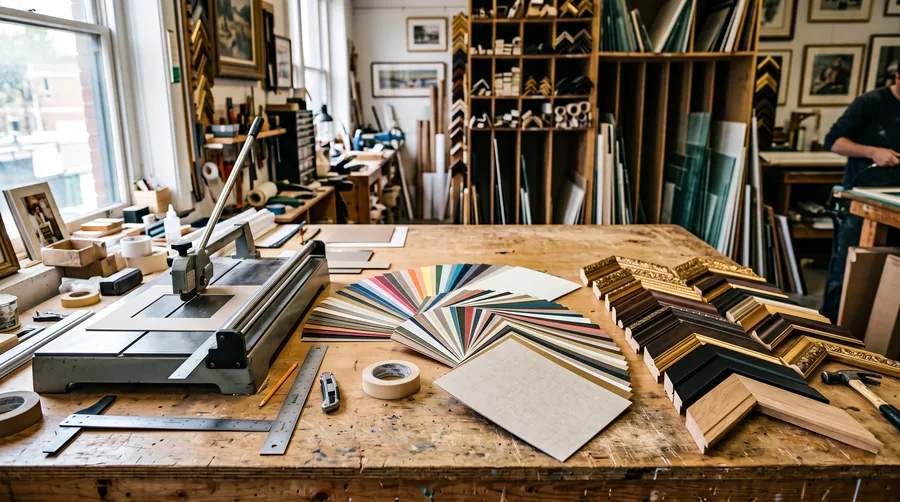
Frame and Mat
Sheet size in, everything else out: mat borders with the weighted bottom, outer frame size, glass area, weight and a cost band by glazing.
 04
04Thirty degrees
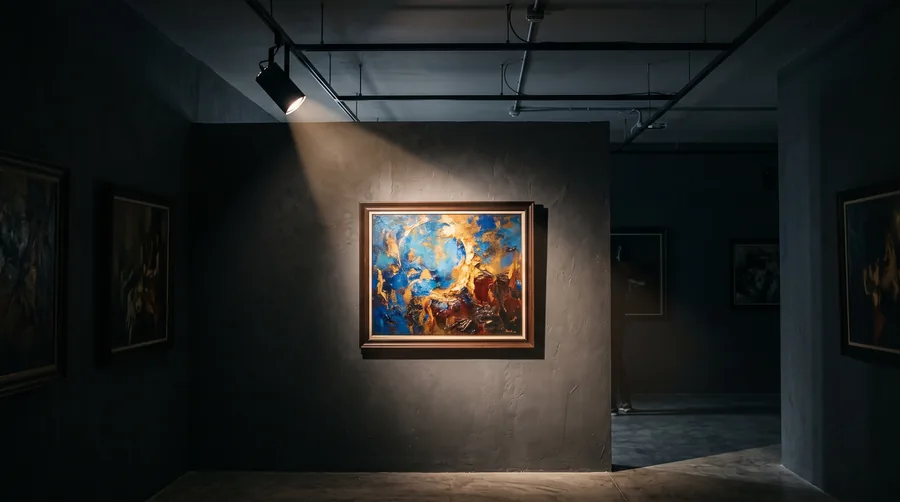
Art Light
Ceiling height, centre of the work, what it is made of. Out comes the distance of the spot from the wall, the beam angle, the lux limit and how many years you have.
 05
05Colour from the canvas
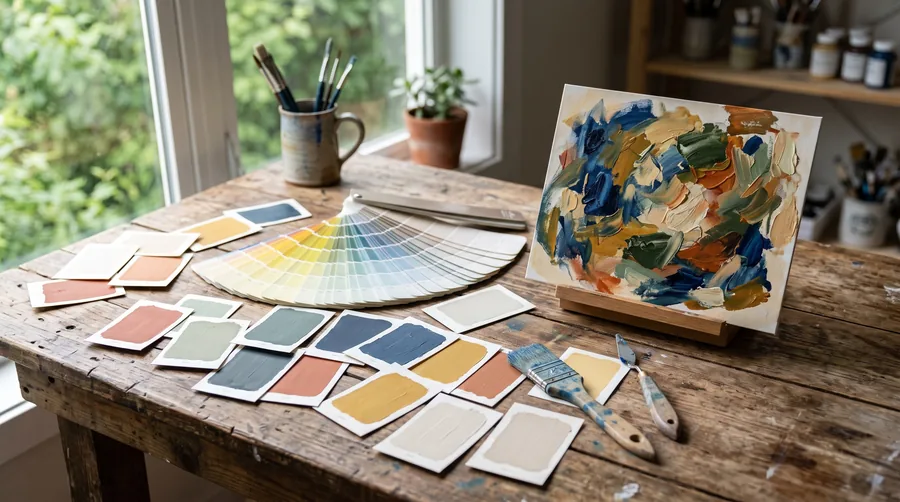
Palette from a Work
Load a photograph of the work. The tool reads its five main colours in order of area and turns them into a wall, two textiles and one accent, with the hex codes.